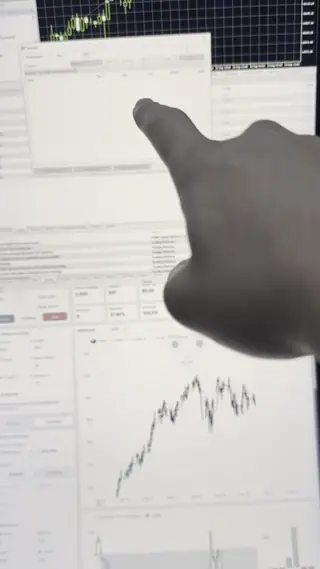
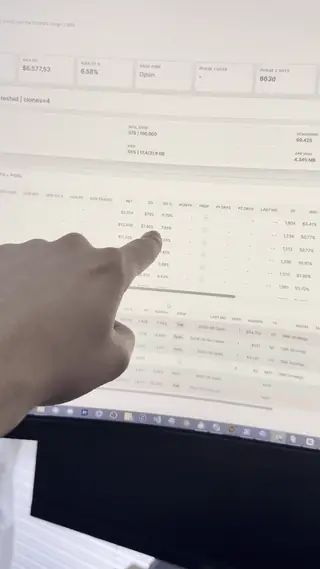
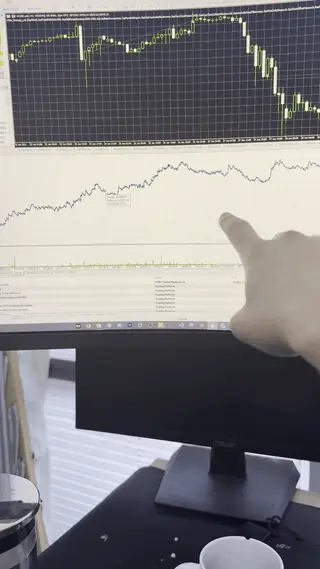
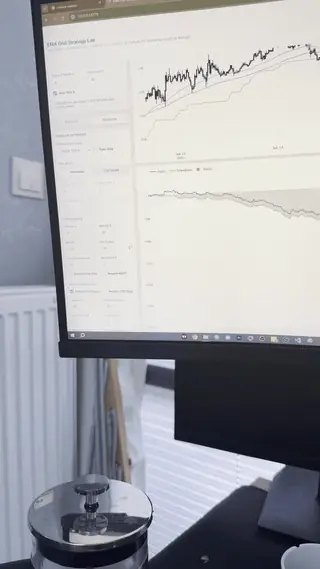
Stop staring at charts all day. Get automated-system access, setup support, risk rules and execution logs inside one private portal. No trading or coding background required.
QuantCreators


The clean flow: optimize the system, pass the alert through the bridge, then let MetaTrader handle execution discipline.
Parameters, filters, curve shape and drawdown behavior are tested before any alert is allowed into the live workflow.

Approved BTC signals enter the bridge, get queued, checked and forwarded without exposing private execution details.
MetaTrader receives the approved instruction, applies execution rules, records logs and keeps the full path reviewable.
QuantCreators is not about staring at charts all day. The goal is to build rules, connect execution, review logs and let automation handle the repetitive parts while you live your life.
Alert in. Rules checked. Execution out.
Watch the alert, bridge route, risk rules and execution log in one flow.
Everything needed to start, operate and review the automation.
QuantCreators is built for traders who want supported automation first. The creator side exists so the systems can keep improving with real code review, bug reports and upgrades.
Start with Quant Access. Use the portal. Learn the risk rules. Upgrade to QuantCreator only if you want the source.
Quant Access is the main offer. QuantCreator Access is the deeper upgrade for people who want source code, architecture and builder rooms.
Quants report logs and issues. QuantCreators help review code and upgrades. The result is a stronger automation product over time.
Quants start with setup guidance and operating rules.
Execution notes, errors, fills and risk events stay visible.
Quants send questions, bugs and improvement ideas into the portal.
QuantCreators inspect the logic and source when needed.
System fixes, filters and risk improvements get shipped back.
Quants keep using a supported automation workflow.

I'm [Your Name]. I do not want to sell another vague signal room. The core offer is automated-system access with setup guidance, risk rules, execution logs and a private portal where members can ask for help.
Most people should start with Quant Access. The QuantCreator track exists for the smaller group that wants source code, architecture notes and AI-assisted strategy creation and optimization. Coding helps, but it is not required to join.


Use supported systems with alerts, logs, risk controls and setup guidance.
Use rooms, notes and support threads to configure and operate the automation.
Every serious idea goes through historical data before it becomes a workflow.
Improve parameters, filters and execution behavior without chasing curve-fit screenshots.
Position sizing, daily limits, stop logic and drawdown rules stay visible.
Quant feedback and QuantCreator reviews help improve the automation stack behind the scenes.
Not a random signal room. Quants get system rooms, setup help, execution logs, update notes and optional QuantCreator access for the people who want to go deeper.
The main product: supported automation for Quants who want execution without manual clicking.
Setup rooms, risk-rule explanations, execution logs, update notes and member questions in one portal.
Optional source access and builder rooms for people who want to improve or extend the systems.

The sales message should be easy to understand: the system receives the signal, applies the rules, sends execution and gives members a place to review and ask for help.
The buyer journey should feel practical: enter the portal, set up the system, understand the risk rules, then use logs and support to operate it.
Quant Access unlocks setup rooms, update notes, logs and support channels.
Follow the operating notes and configure alerts, execution flow and risk settings.
Read SL/TP logic, risk limits, logs and common setup mistakes before going live.
Use the systems, ask questions, report issues and receive updates from the portal.
Lead with the $100 Quant Access offer. The portal, logs, support and QuantCreator-backed improvements make the purchase feel stronger.
Start here. One laptop is enough; I teach TradingView, MetaTrader and automation step by step. Upgrade only if you want the source.
Secure checkout + instant member portal. Trading results are never guaranteed.
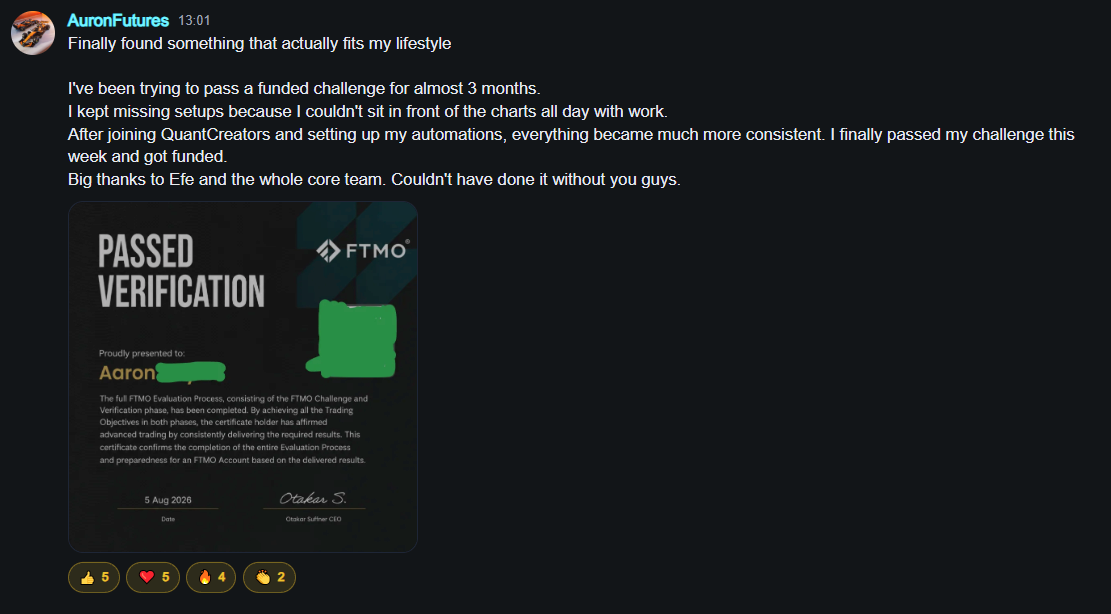
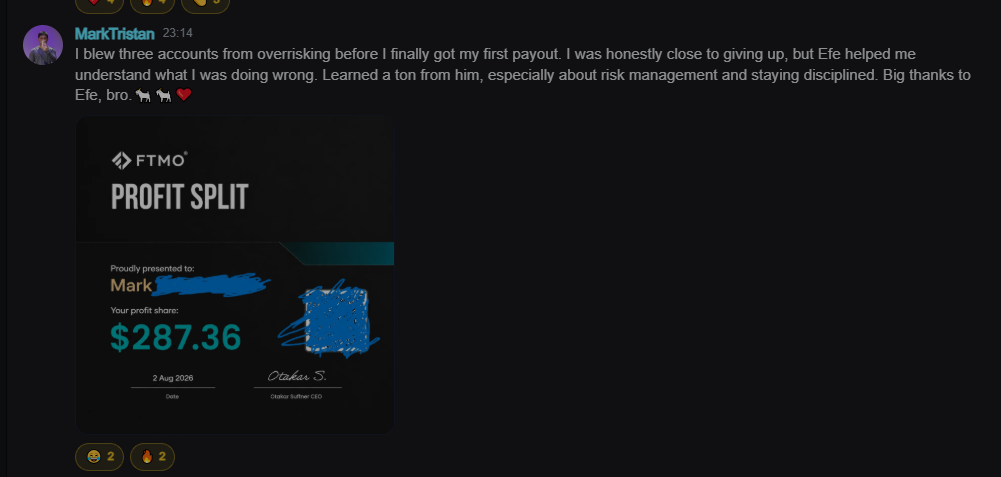
"I joined for automation, but the logs and risk explanations made the whole system feel much less like a black box."
"The setup rooms helped me understand what to check before letting automation touch a live account."
"The QuantCreator side is a strong upgrade, but the reason most people join is clear: supported Quant Access."
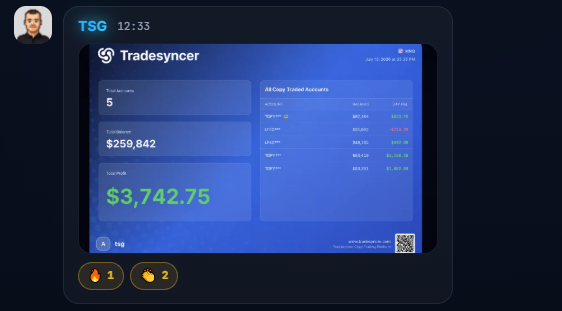
Replace with real member quotes/screenshots once you have them.
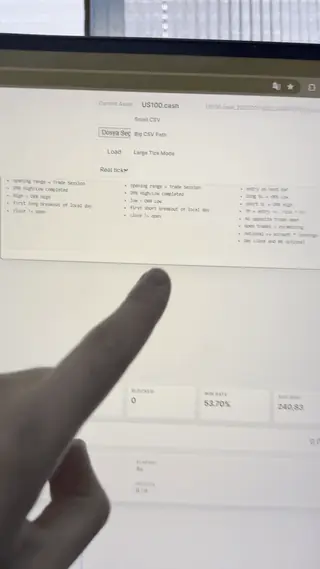
Post execution demos, setup walkthroughs, risk-rule clips, log reviews and occasional developer upgrades so the offer feels real.


Automation access, setup, logs and support for $100/mo.
Get Quant Access Try Trial Account